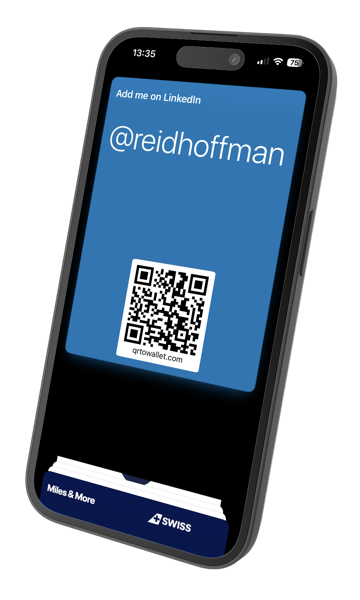
Your Social Media QR Code in Apple Wallet
Show your QR before they finish saying
‘Let's connect on LinkedIn’
iPhone only. Open this page on your iPhone for the best experience.
“Shared my LinkedIn 20+ times at the afterparty. Just flash the lock screen, done.”
Attendee at AI Startup School
“No more fumbling with the LinkedIn app while someone waits. This is how it should work.”
Attendee at START Summit
“Set it up in 30 seconds on the train to the venue. Best networking hack I've found.”
Attendee at Slush
“Shared my LinkedIn 20+ times at the afterparty. Just flash the lock screen, done.”
Attendee at AI Startup School
“No more fumbling with the LinkedIn app while someone waits. This is how it should work.”
Attendee at START Summit
“Set it up in 30 seconds on the train to the venue. Best networking hack I've found.”
Attendee at Slush
How it works
QR to Wallet turns any social media profile link into an Apple Wallet pass with a QR code you can access from your lock screen.